Native Video Conferencing vs. BYOD: Which Is Best for Your Meeting Room?
And what do native video conferencing and BYOD actually mean?
It’s Monday morning, 8:55 a.m. In five minutes, the most important board meeting of the quarter is due to start. The CEO is already waiting, while the CFO walks in with her laptop under her arm. “Can I connect here?” she asks.
What follows is a familiar scene: searching for cables, swapping adapters, “Can you see my screen?” and, meanwhile, the audio isn’t working. Ten minutes later, everything finally works. The CEO looks at his watch; the tone has been set.
As an IT or Facility Manager, you’ve probably experienced this yourself. Every time, you think: couldn’t this be easier?
At AVEX, we have been helping organisations create boardrooms and meeting rooms that simply work for more than 35 years. From that experience, we see the same dilemma come up time and again: do you choose a fixed, native video conferencing solution, or do you let everyone use their own laptop through BYOD (Bring Your Own Device)?
In this article, our Business Consultant Jacqueline Borremans explains:
- The difference between native video conferencing and BYOD, in plain English
- The key advantages and disadvantages of both solutions
- When BYOD is a smart choice – and when it isn’t
- How a simple decision tree can help you determine what suits your organisation
- And why a native system often provides greater peace of mind, professionalism and reliability in your boardroom
By the end, you’ll know exactly which solution is best for your situation and how to prevent technology from ever taking centre stage during an important meeting.
What do we mean by native video conferencing and BYOD?
Let’s put it simply:
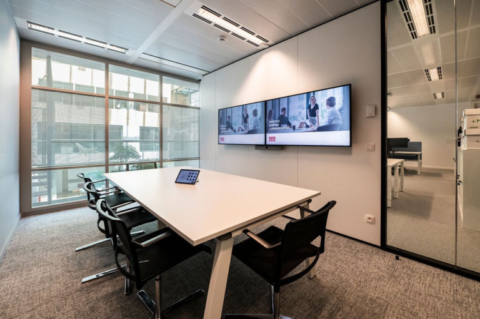
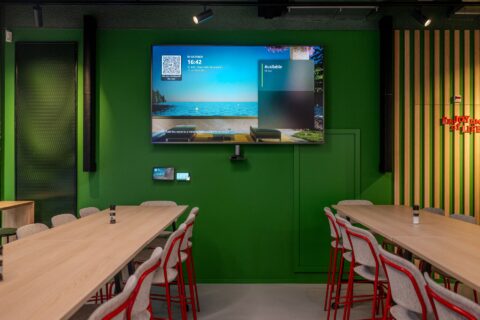
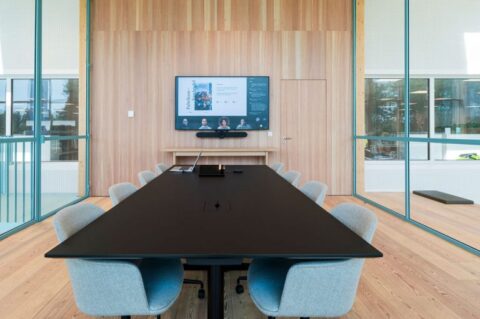
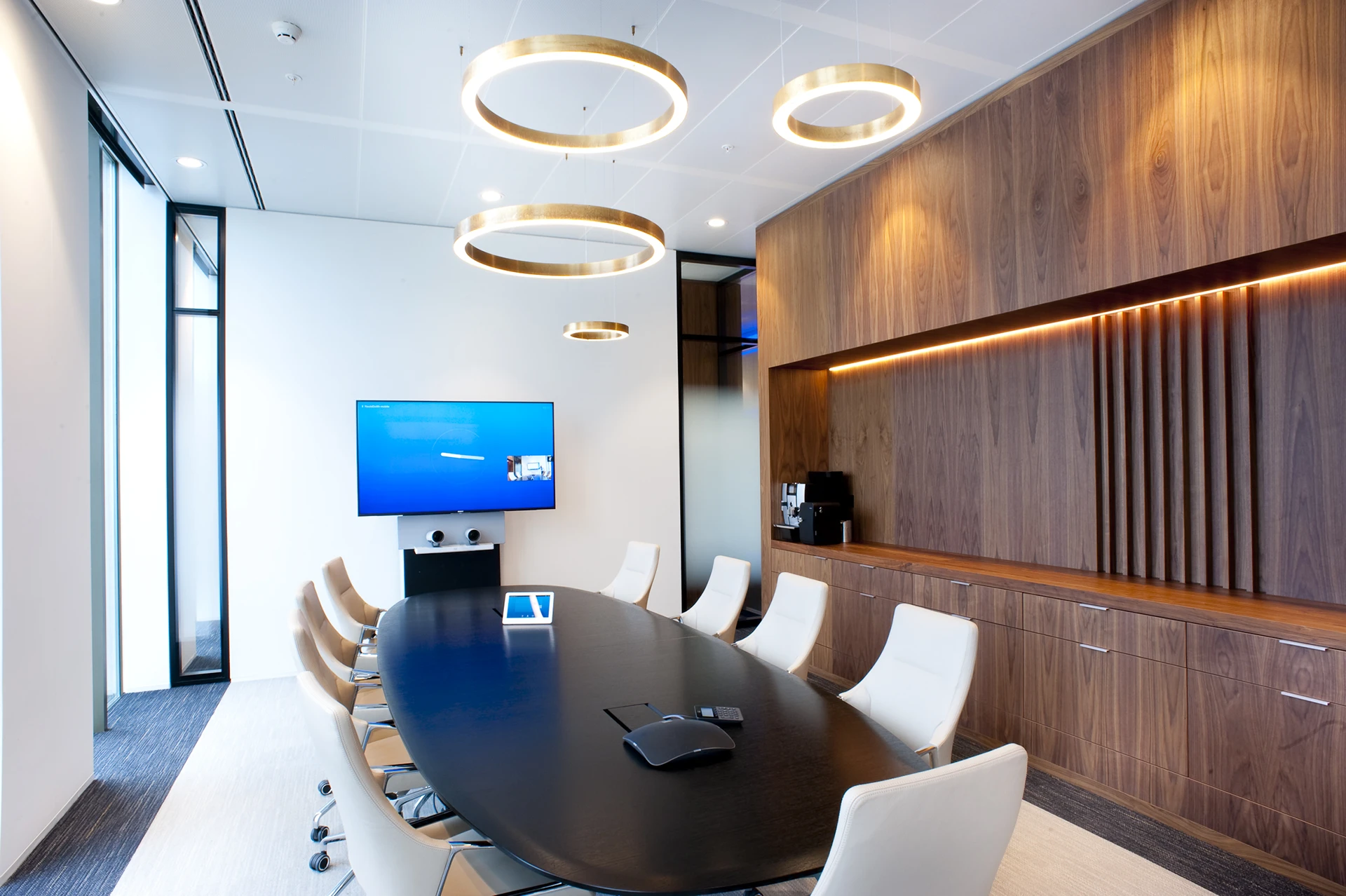
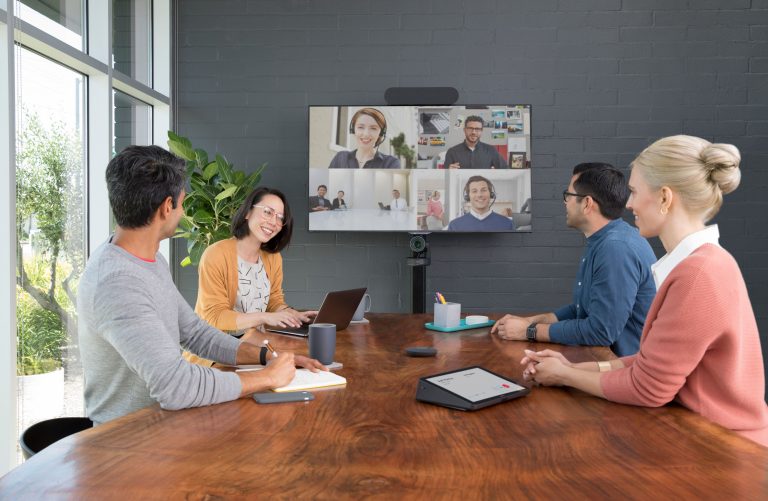
Native video conferencing means your meeting room has a fixed, integrated system specifically designed for one video meeting platform. Think Microsoft Teams Rooms or Zoom Rooms: hardware and software work seamlessly together. You walk in, press one button and the meeting starts.
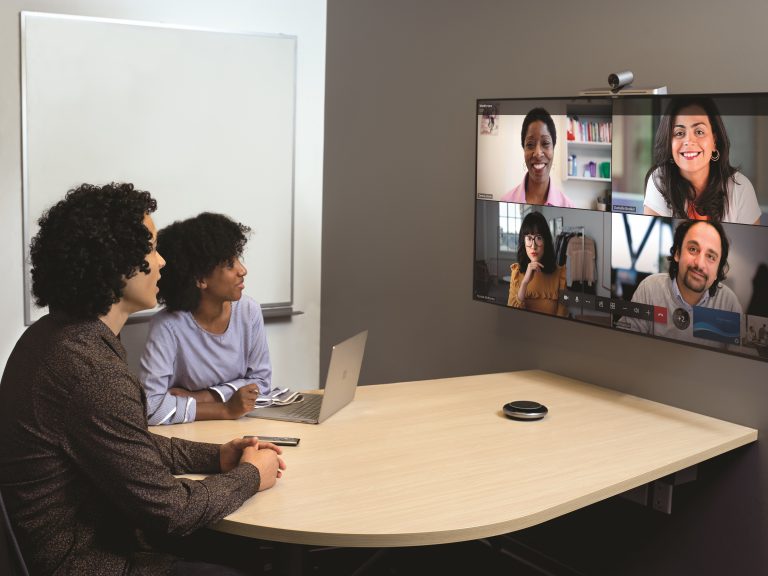
BYOD (Bring Your Own Device) means participants connect their own laptop or tablet to the display, camera and microphone in the meeting room. You use your preferred platform – Teams, Zoom, Google Meet – usually via HDMI or a wireless connection. Flexible, but not always trouble-free.
The dilemma: flexibility or reliability?
When designing a boardroom, it often comes down to one question:
Do you choose the freedom of BYOD or the reliability of a native system?
On paper, BYOD may seem cheaper and simpler. In practice, it can require more time, involve more risk and create additional support demands.
BYOD: the promise of flexibility
With BYOD, every user brings their own device and connects it to the equipment in the meeting room. The biggest advantage is platform freedom: everyone can use their preferred meeting tool. Initial investment costs can also be lower because there is no dedicated computer or room licence required. Users are also familiar with their own laptop and settings.
But in practice, this flexibility can often come with frustration.
The downside of BYOD
❌ Technical roulette. Every laptop is different. Different cables, drivers and updates can mean it takes five to ten minutes before everything works. That’s valuable time, especially in executive meetings.
❌ Security and compliance risks. A laptop that remains connected during a meeting may display notifications or private messages, while confidential information could unintentionally appear on screen. For organisations with strict security requirements, such as ISO 27001, this can be a significant risk.
❌ A support nightmare. IT has no control over personal devices. Problems often require physical assistance, resulting in more support tickets and additional pressure on the IT department.
❌ An inconsistent experience. It works today, but perhaps not tomorrow. An update, a new adapter or a different laptop can change how the system behaves. This can look unprofessional to external guests or investors.
Native video conferencing: the power of integration
A native system combines hardware and software into one integrated solution, such as Microsoft Teams Rooms. Everything is configured in advance, from the camera and audio to the user interface, so the system is always ready to use.
Why native systems make a difference
- One-touch start. Start the meeting directly from the touch panel. No laptop, no cables, no stress.
- Reliability and consistency. The technology works the same way every time. For executive rooms where time and focus are crucial, that is invaluable.
- Integration with IT and calendars. Native systems can be integrated with Outlook or Google Calendar and automatically launch the correct meeting.
- Central management and monitoring. IT can perform updates remotely, identify issues and intervene proactively. No more last-minute stress.
- Security and compliance. Updates and patches can be managed within the organisation’s secure IT environment, supporting compliance with security standards.
How much does it cost?
The additional investment is relatively limited: a few hundred euros for the hardware, plus licensing costs per room. In return, you get the assurance that the system works when you need it. One-touch join. No more hassle. And, above all, no missed opportunities because technology fails at the crucial moment.
When BYOD does work
BYOD can be a good fit for:
- Small, informal meeting rooms
- Start-ups with limited budgets
- Ad-hoc spaces where confidential information is not discussed
- Teams with sufficient technical knowledge
But for a boardroom where strategic decisions are made, BYOD often falls short.
Why native wins in boardrooms
Our experience at AVEX is clear: 9 out of 10 corporate boardrooms ultimately choose native video conferencing.
Example: RTL Nederland
RTL replaced its boardroom with a native Microsoft Teams Rooms solution through our Quarta concept.
“Everyone wants to hold meetings in this room. No cables, no hassle – and we no longer need IT support.” RTL Nederland
That last point is essential: a boardroom should always work without requiring IT assistance.
What is right for your situation?
Answer these questions to determine whether native video conferencing is the right solution for you:
| Question | Advice |
| How critical is the room? | Executive room → Native |
| Who uses the room? | C-level → Native |
| How often is the room used? | Daily → Native |
| What is the security level? | ISO 27001 → Native |
| How much support capacity do you have? | Limited IT team → Native |
| What is your investment horizon? | 5+ years → Native |
Factors that are often overlooked
Equal experience for everyone (meeting equity)
Downtime costs money
Peace of mind
The 7 success factors for a future-ready boardroom
- Reliable infrastructure
- Simple operation that can be understood within 30 seconds
- Integration with Teams, Zoom and Webex
- Professional audio and video
- Flexible content sharing, both wireless and wired
- Proactive monitoring and maintenance
- Clear user adoption training
Conclusion: choose the solution that fits your organisation
You now know the differences between BYOD and native video conferencing, as well as the factors that determine which solution is right for your organisation. The frustration of cables, updates and unreliable connections does not have to be a permanent part of your board meetings.
At AVEX, we have been helping organisations create boardrooms that simply work for more than 35 years. From design through to maintenance, we make sure you can focus on the content of your meetings – not the technology.
About the author
Jacqueline Borremans
As a Business Consultant at AVEX, I have been helping IT and Facility Managers create boardrooms that really work for more than 10 years – from the initial consultation through to completely worry-free use.

Jacqueline Borremans
Business Consultant

Publication date
04 November 2025
Updated date
24 August 2026
Sector
All Sectors, Central Government, Culture, Sports & Recreation, Education, Financial & Professional Services, Government, Healthcare, Hospitality, Local Government, Public Safety & Security, Retail, Trade & Industry
Solution
Boardrooms, MDT Rooms, Meeting Rooms
Keep discovering